Settings / Voice — VoIP number and calling settings in Apollo
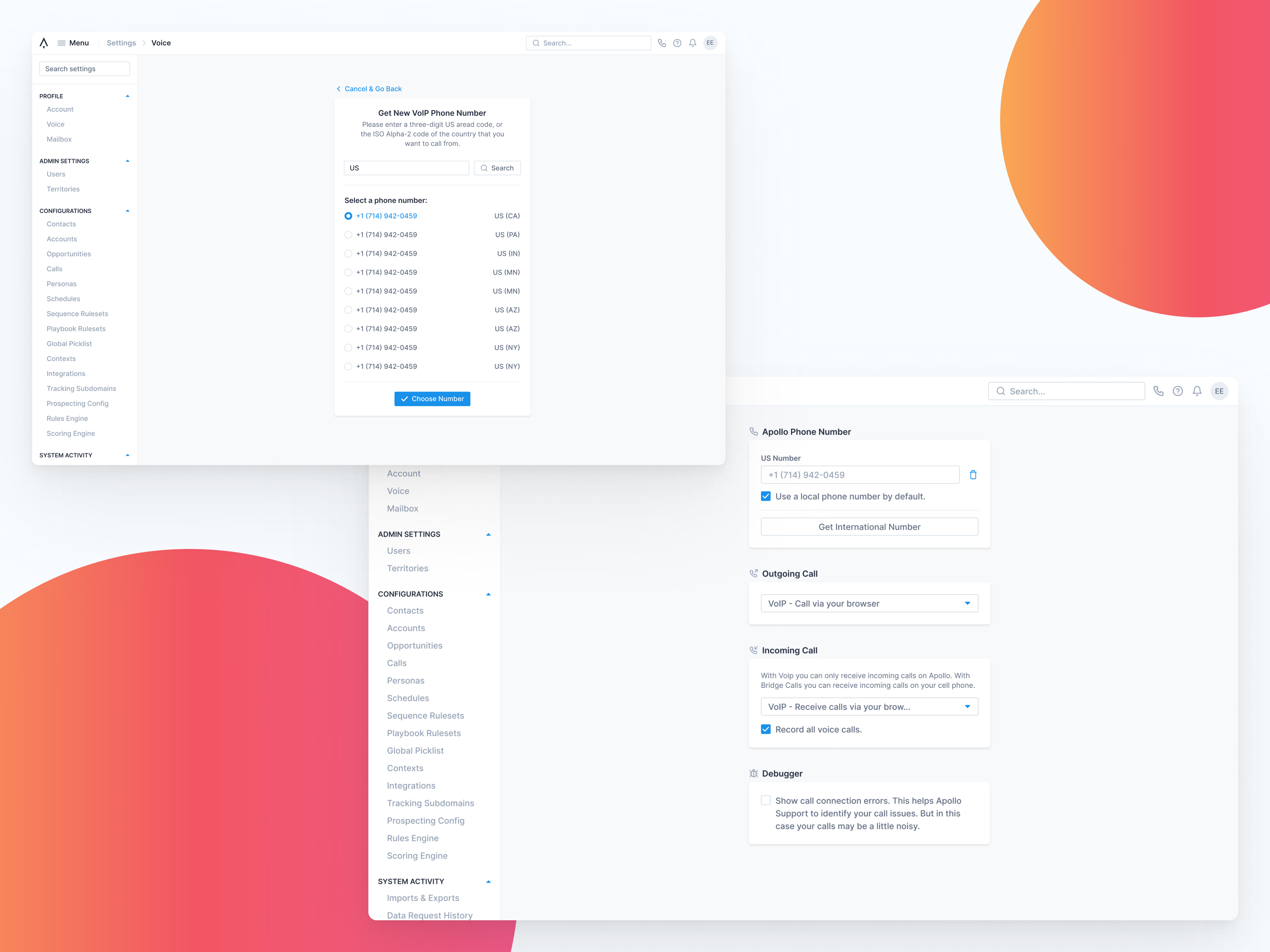
Voice settings in Apollo, where a user sets up calling. Choosing a new VoIP number is its own focused step: enter a US area code or country code, pick a number from the list with its state shown, then confirm with Choose Number, or cancel and go back.
The main settings page keeps each decision in its own card: your Apollo phone number, with options to use a local number by default and to get an international one; outgoing and incoming call modes; call recording; and a debugger for connection errors.
Got something real to build?
Tell me what you’re building and let’s see if we’re a good fit.